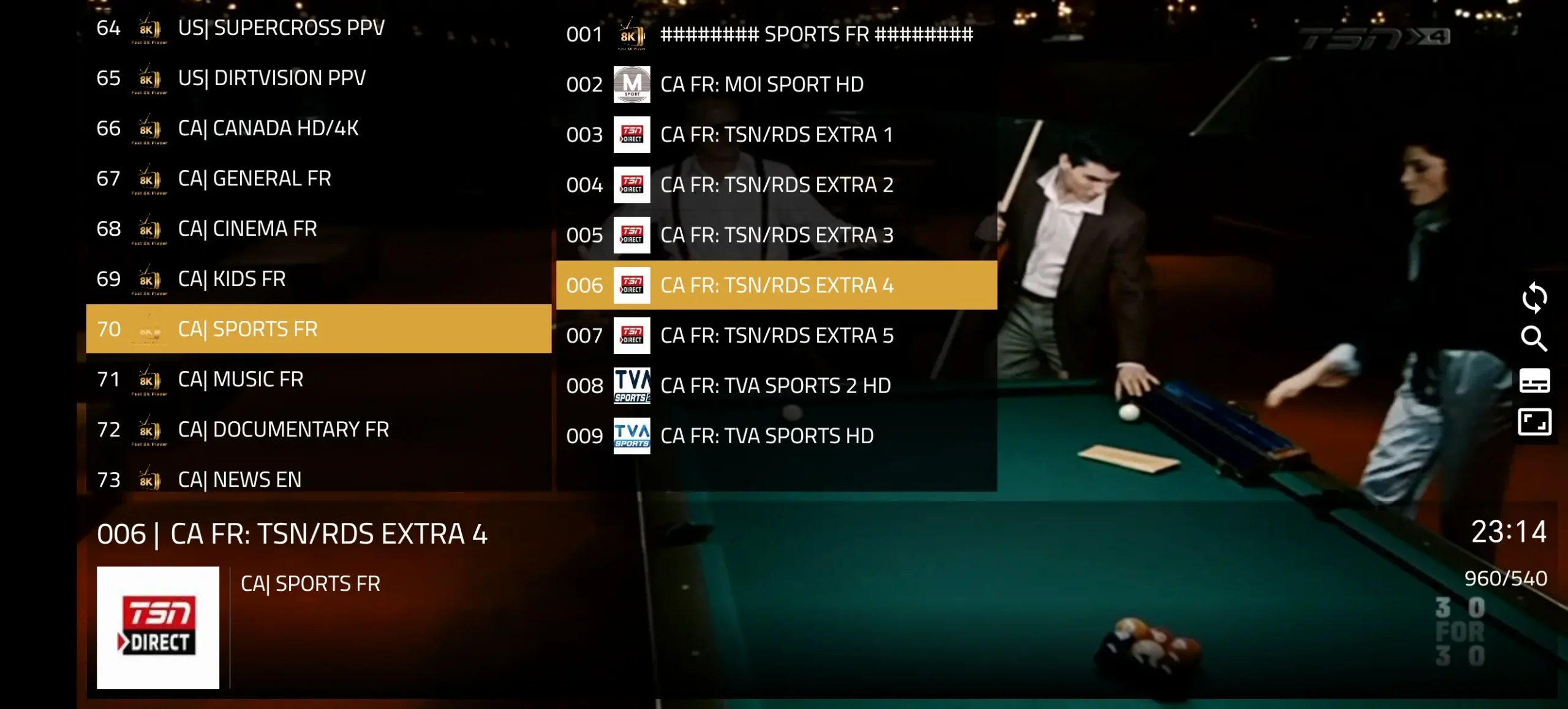
Want to watch live TV, sports, movies, and entertainment on your Amazon FireStick? The 8K App on FireStick offers an easy way to access your favorite content. With a simple installation process and user-friendly interface, you can set up the 8K App on FireStick quickly and start streaming your preferred channels within minutes.
Setup Guide
Learn How to Install & Activate 8K App on FireStick
Want to watch live TV, sports, movies, and entertainment on your Amazon FireStick? The 8K App on FireStick offers an easy way to access your favorite content. With a simple installation process and user-friendly interface, you can set up the 8K App on FireStick quickly and start streaming your preferred channels within minutes.
1. Get Login Details Instantly
After completing your order on our website, your 8K IPTV username and password will be provided instantly. Check your email inbox, including your spam or junk folder, for your login details and server URL. Once received, you can use your credentials to log in and start streaming on your compatible device.
Install the Downloader app on your FireStick to easily access and install the 8K app. Simply search for “Downloader” in the Amazon Appstore, download it, and open the app to continue with the setup.
3. Install 8K App with Downloader
Open the Downloader app on your FireStick and enter the Downloader Code: 6883465. Follow the on-screen instructions to download and install the 8K app. Once installed, open the app and continue with the setup.
4. Add Playlist to 8K App
Open the 8K App, select Add Playlist, and enter the username, password, and server URL provided after your order. Save the details and your playlist will load automatically.
8K IPTV Works on All Devices & Players
Our 8K App is available on Android devices, while some devices such as iPhone, Samsung, and LG Smart TVs may not support the app directly. However, our 8K IPTV service works with a wide range of devices and compatible IPTV players, making it easy to access your subscription on your preferred device.
Alternative Apps for 8K IPTV on FireStick
You can use compatible IPTV apps on your FireStick to access your 8K IPTV service. Enter your login details and playlist information to get started.